Showing posts with label pbl. Show all posts

Wednesday, March 12, 2014

4 Incredible educational tools you may not have seen

Every Slide
With Every Slide you can turn your average presentation slides into an interactive educational experience for your students. You simply have to upload your presentation and then add polls that your students can respond to with their own devices. The polls can be text, true/false or multiple choice and you can add them ahead of time or as you go. Students can join the presentation by typing in a code which is visible at the top of your presentation. This is a powerful tool and best of all, it is free for teachers.

_______________________________________________________

Flip Quiz
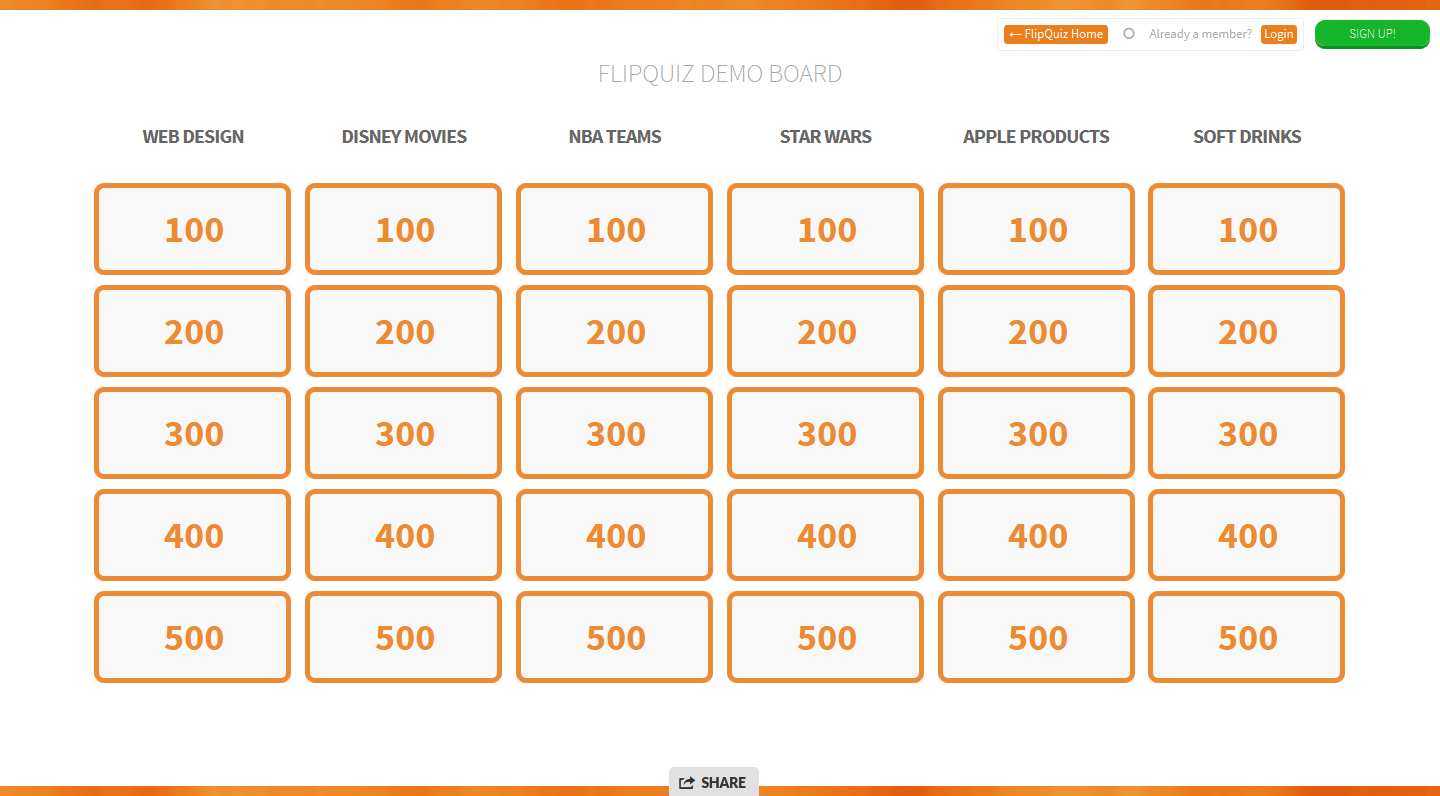
Most teachers are always looking for ways to make formative assessments more fun and engaging. Flip Quiz (in Beta) allows you to create Jeopardy style review games and you don't have to possess any technical know how. Once you sign up you can easily create your first game in a short amount of time and your students will love playing along. Thank you Doug Peterson (@dougpete) for sharing this via Twitter.
 ________________________________________________________
Populr
This site allows you to create a simple single page poster with text, images, and videos. Once you sign up (it's free) you simply add the elements and then publish the final product. Elements can be added from your computer, social media sites such a s Flickr, or added from the web. One of the best features on Populr is that it allows collaboration on a page which is great for group projects. Finished projects can be shared via email or your favorite social media sites.

_______________________________________________________

Pastbook
Here is a terrific site for creating an online photo album or scrapbooks. This site also allows collaboration which make it ideal for group projects. Signing up does require an email address but no other personal information is needed. The site is very simple to use as all you need is to add pictures and then text to accompany each picture and the site does the rest. Once you are done the book can be downloaded as a PDF to be handed in or students can share the book with the teacher.


Sunday, February 16, 2014

8 (free) websites to create cool student projects online

Creating an online project is a great way to help students to demonstrate that they have learned something. Below you will find 8 websites that offer great options for any teacher and all are free to use. The first five have screenshots of examples that I created.

Fake Movie Poster
Creating a movie poster is a great school project. With this simple website, the task is that much easier. Students simply upload an image, add a few details for the text and then share their completed poster with the teacher. This project works is a great for history, science, or as a final project after reading a novel.

___________________________________________________

Photovisi
Here is another website to create great poster projects. With this site you can add many photos to create a collage or other types of posters. The site features many templates as well as a wide selection of other enhancements to make stunning posters.

____________________________________________________

Be Funky
This site is better known for its photo editing but it also allows users to create photo collages. You select your layout, add your photos and then add text and your project is done. Final products can be saved to your computer, shared to Flickr or other social media sites.


_________________________________________________________

Poster My Wall
Yet another terrific site for creating poster projects for the classroom. The site is easy to use and navigate. Just select a template and change or add content as you desire. Every aspect of a poster template can be changed and you can add more pictures or text if you need. Once done there are a variety of ways in which the final poster can be shared including email.

____________________________________________________

Mural.ly is a fantastic online tool that appears to be intended for business but would work really well in the classroom. The site allows you to create online poster like presentations by adding pictures, text, websites, documents, and a host of other bells and whistles. The site also allows others to collaborate on the poster with you by a simple email invite and then they can join in. Mural.ly is a great resource for group projects and it is free to join and free to use.


_________________________________________________

Word Draw is a site that offers free professional looking templates for newsletters, flyers, labels, and resumes. The sites newsletter templates are categorized for education, business, family, holidays, and by month. The templates must be downloaded and are compatible for all versions of Microsoft Word.
These templates can also be utilized for a class newspaper, projects or even reports. 

_____________________________________________

Tackk allows you to create online posters that can be shared via email, social media or be embedded onto a webpage or blog. As soon as you arrive on the website you can start creating your poster by editing their ready made template. You can easily add a title, body text, pictures, videos, and even songs. You can add content from You Tube, Instagram, Vimeo, Sound Cloud, Hulu, and Spotify. Creating an online poster with Tackk is so easy to do. 

_____________________________________________

With Picovico, you can turn simple photographs into cool videos. Once you sign up (it's free) you begin by choosing a video template and then adding your pictures from Facebook, Flickr, or your computer. You can set the order of your pictures, add captions to them and add text slides if you wish. Next you add music, either from their library or add your own from your computer. Your last step is to add a video title and any additional text and you're done. Completed videos can be uploaded to You Tube or Facebook and can even be embedded into a website or blog. The site does have a 30 picture maximum but that is long enough for most people.